


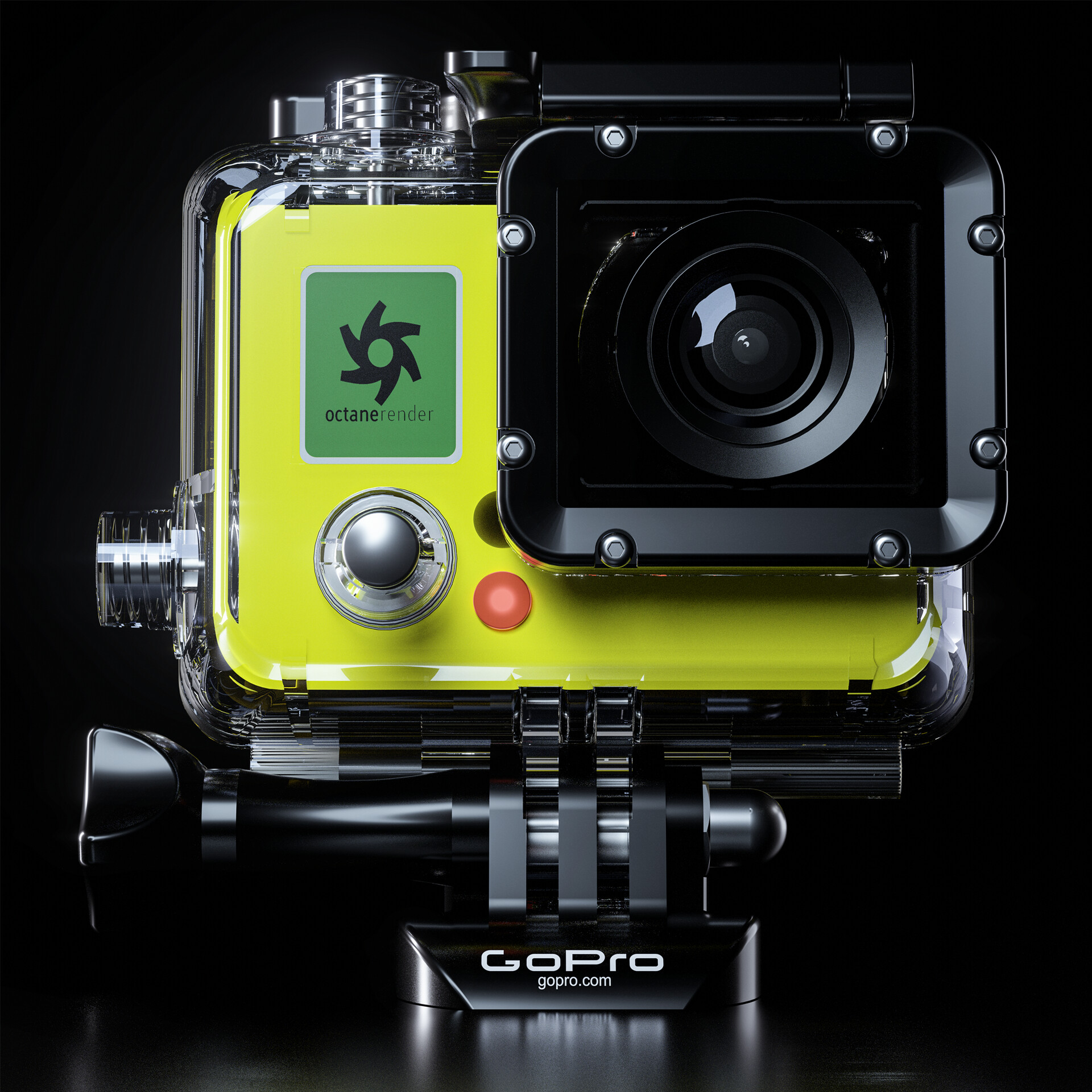




This is my second personal project using Octane Render. I wanted to do a product render this time around to really get a feel for how lighting and texturing works using Octane. The GoPro was created by Graham Baldwin. I thought the model was excellent for what I was trying to achieve and I also picked up some tricks for lighting in Octane from Final Result. The reason behind not modeling out the GoPro myself is that I strive to be a lighting artist and I want to put as much time learning the techniques of lighting and post-production, rather then getting hung up on modeling, which I am much more slower at, and frankly don't enjoy nearly as much.
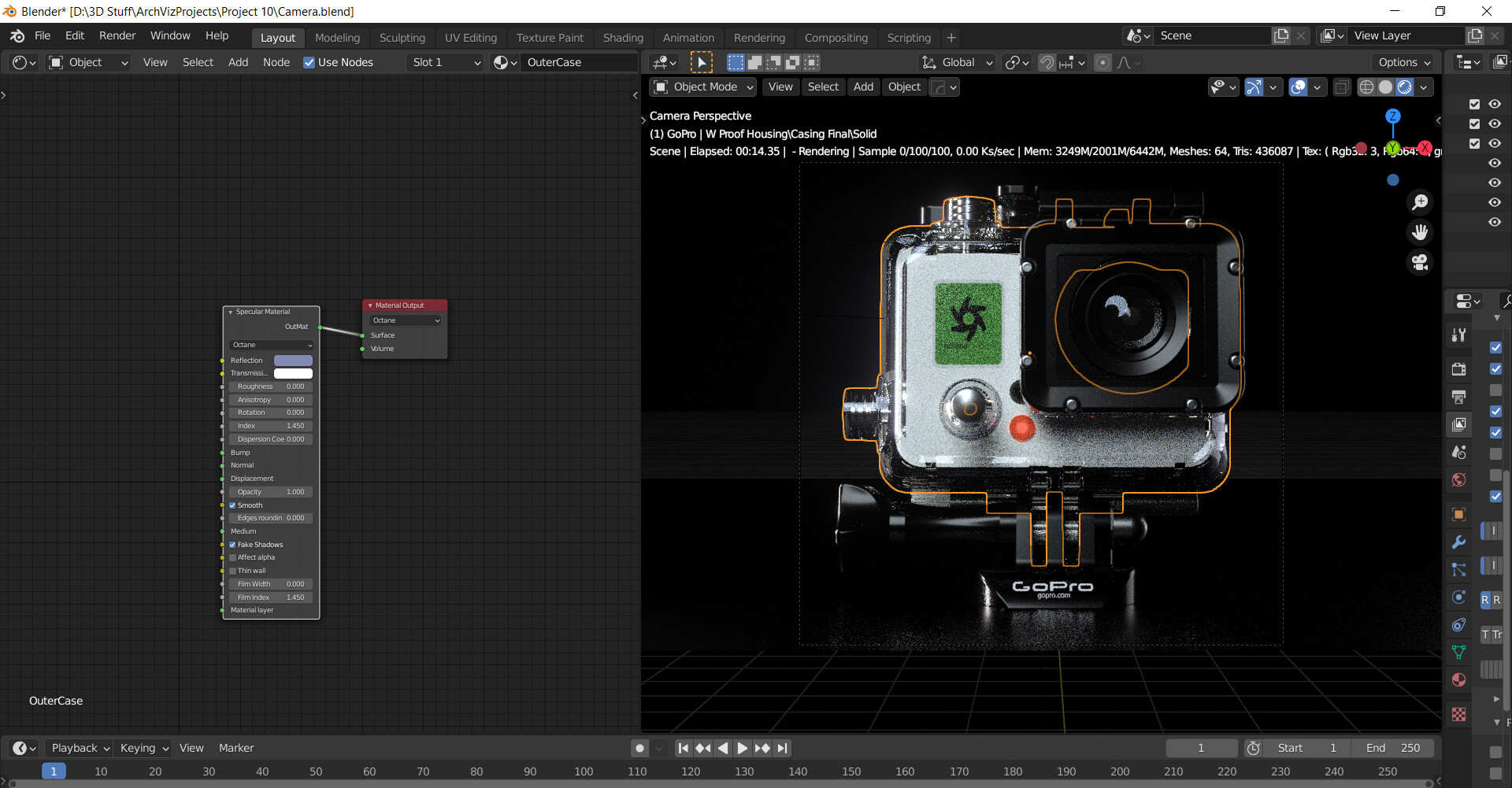
The model was separated into multiple different pieces, which made the texturing process quick and easy to do. The actual camera had a casing that covered the camera, which I decided to make a clear plastic. This worked super well with the screws, in which I made those a metal material. The clear plastic and shiny metal made a really nice reflection, along with Octane having path tracing that allows the render engine to work better with specular materials, such as plastic. Most of the textures were pretty straight forward basic materials that come built into Octane. The one material that was a bit difficult to do was the red light for the camera. In order to achieve the effect I did, I made the material emissive, and added in a texture of a circular gradient that I applied to the the emissive material. Once that was applied, I plugged in a gradient node and this allowed me to adjust exactly how much of the bright red was showing compared to the dark red.
As for my lighting setup I had a small rim light on the right side of the model with a fairly low intensity and duplicated that light and brought it to the right side of the camera which was used as my back light and made the light a bit smaller as well as tweaking the power on the light. I then made two circle lights that were facing more head on to the camera which were used as my key lights.
After my textures and lighting setup was all finished, I began to do post-production work with Octane, such as changing the bloom and glare to get the lights to pop even more. I had my render samples up to 1000 with the path tracing preset selected, with a 4096x4096 resolution render. By making the size 4k, it allowed me to scale each close up down to a 2k photo without losing any resolution. After the render settings were all good to go, I rendered out my shadow, reflection, diffuse, post-process, lighting passes and the rest is history in Photoshop.
Enjoy!


